好きな画像を壁紙に設定
写真や画像を壁紙として設定し、自分だけの作業空間を作れます。
Meanwhile Nagara Pro
動画やPiPを見ながら使う作業空間を、より自分らしく整えるための追加機能です。 Proは買い切り購入です。サブスクリプションではなく、自動課金はありません。
 PRO
PRO
Features
作業台の見た目と使い方を、好みに合わせて整えられます。
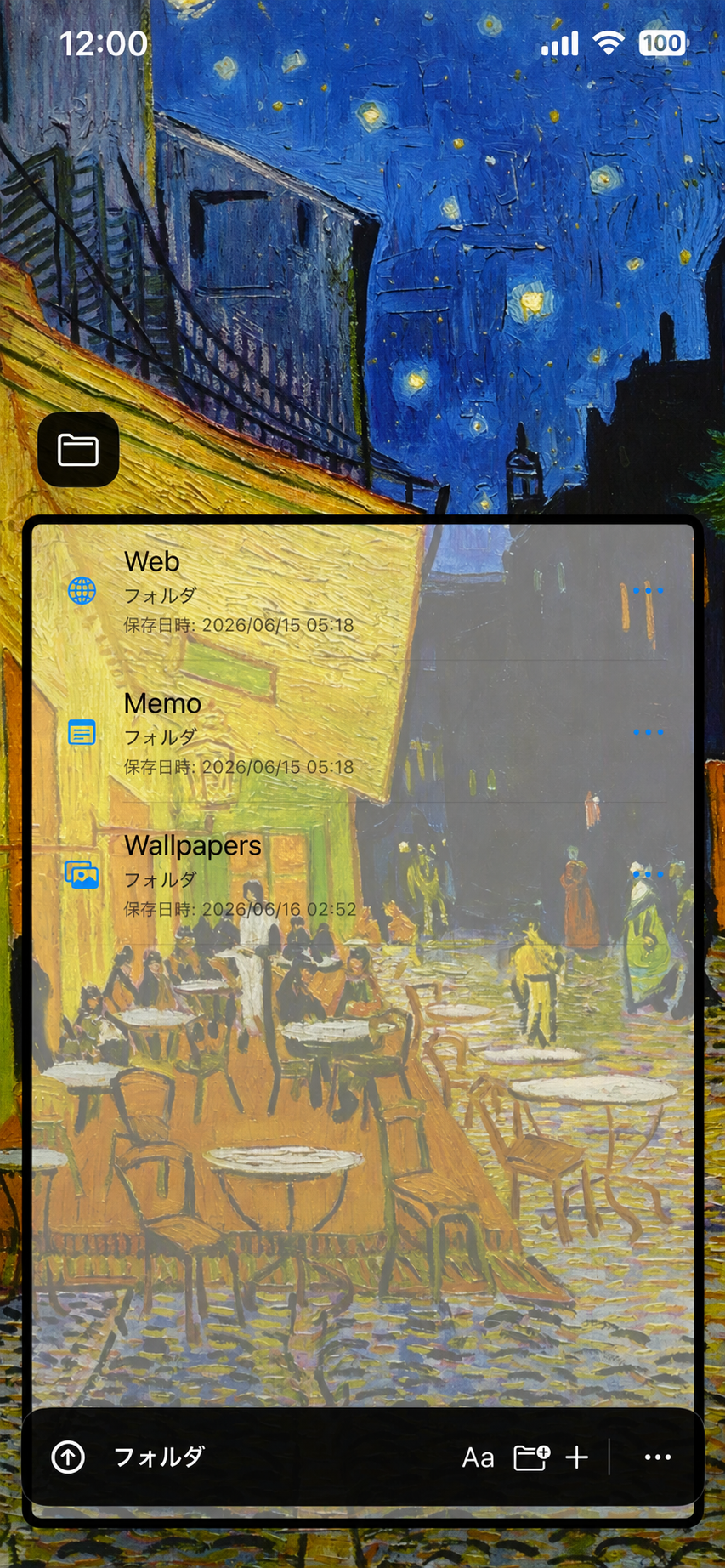
写真や画像を壁紙として設定し、自分だけの作業空間を作れます。
メモとフォルダー機能で作業面の背景を透過させ、壁紙を見ながら作業できます。
表示位置、読書モード、ライト/ダーク表示などを調整できます。
Preview
壁紙や透過背景などを使った表示例です。サイト内で使用している、カフェ背景のスクリーンショットを掲載しています。
Purchase
継続課金ではありません。購入状態はApple IDに紐づきます。
Restore
アプリを再インストールした場合や、同じApple IDで別の端末に入れた場合でも、 Apple側に購入履歴があればPro機能を復元できます。
Meanwhile Nagara Pro
Additional features for customizing the workspace you use while watching videos or Picture in Picture. Pro is a one-time purchase, not a subscription, and there are no automatic recurring charges.
PRO
Features
Adjust the appearance and layout of your workbench to match your preferences.
Set photos and images as wallpapers to create a personal workspace.
Make the work area transparent in Memo and Folder so you can work while keeping your wallpaper visible.
Adjust placement, reading mode, light and dark appearance, and related display settings.
Preview
This is an example using wallpaper and transparent background options. It uses the same cafe-background screenshot shown elsewhere on the site.
Purchase
There is no recurring subscription. The purchase is linked to your Apple ID.
Restore
If you reinstall the app or use another device with the same Apple ID, Pro can be restored when Apple has a matching purchase record.